One way to transfer deployment packages to your Production environment prior to a deployment is to use a separate project to handle the package transfer.
Package transfer project
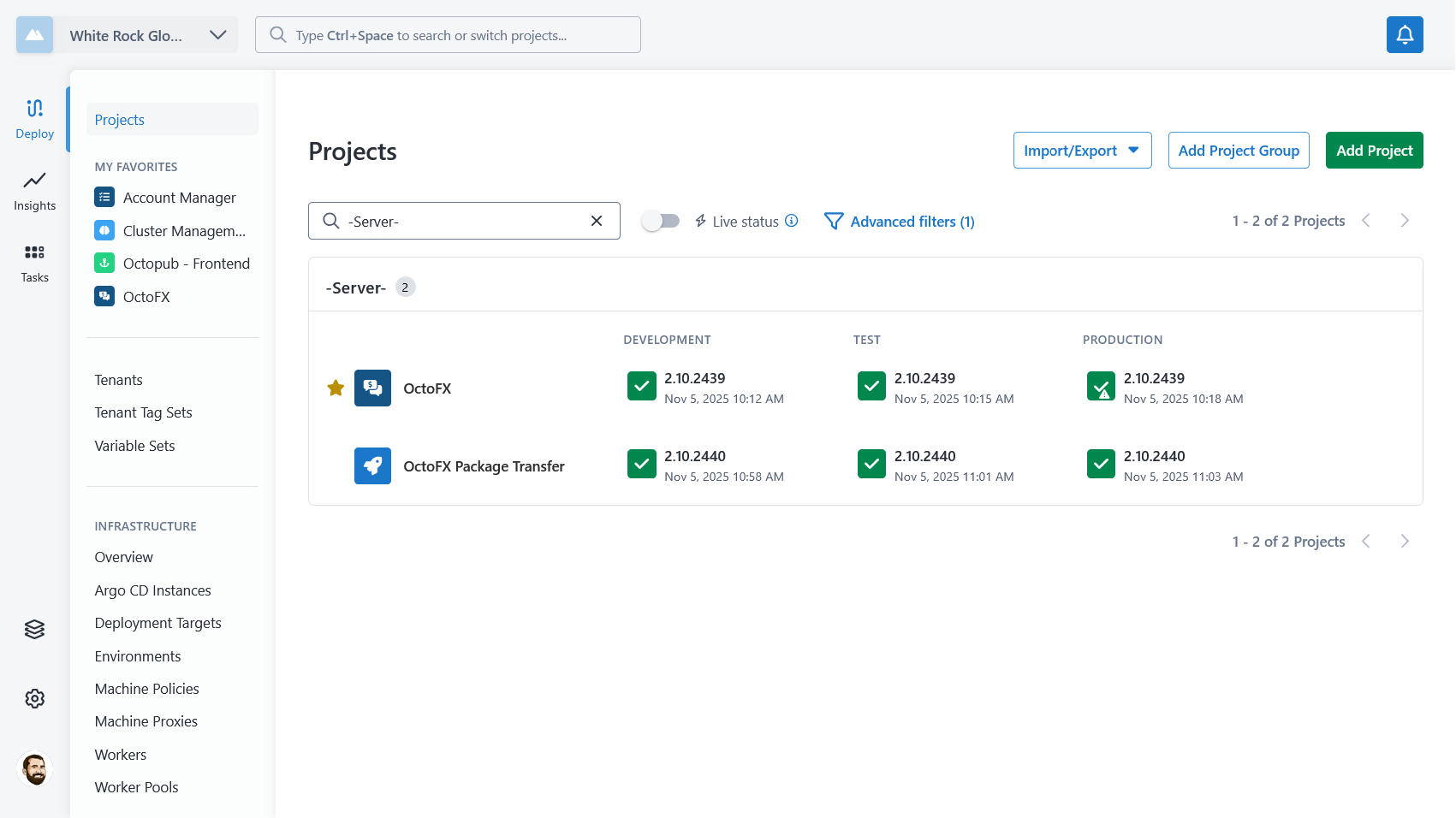
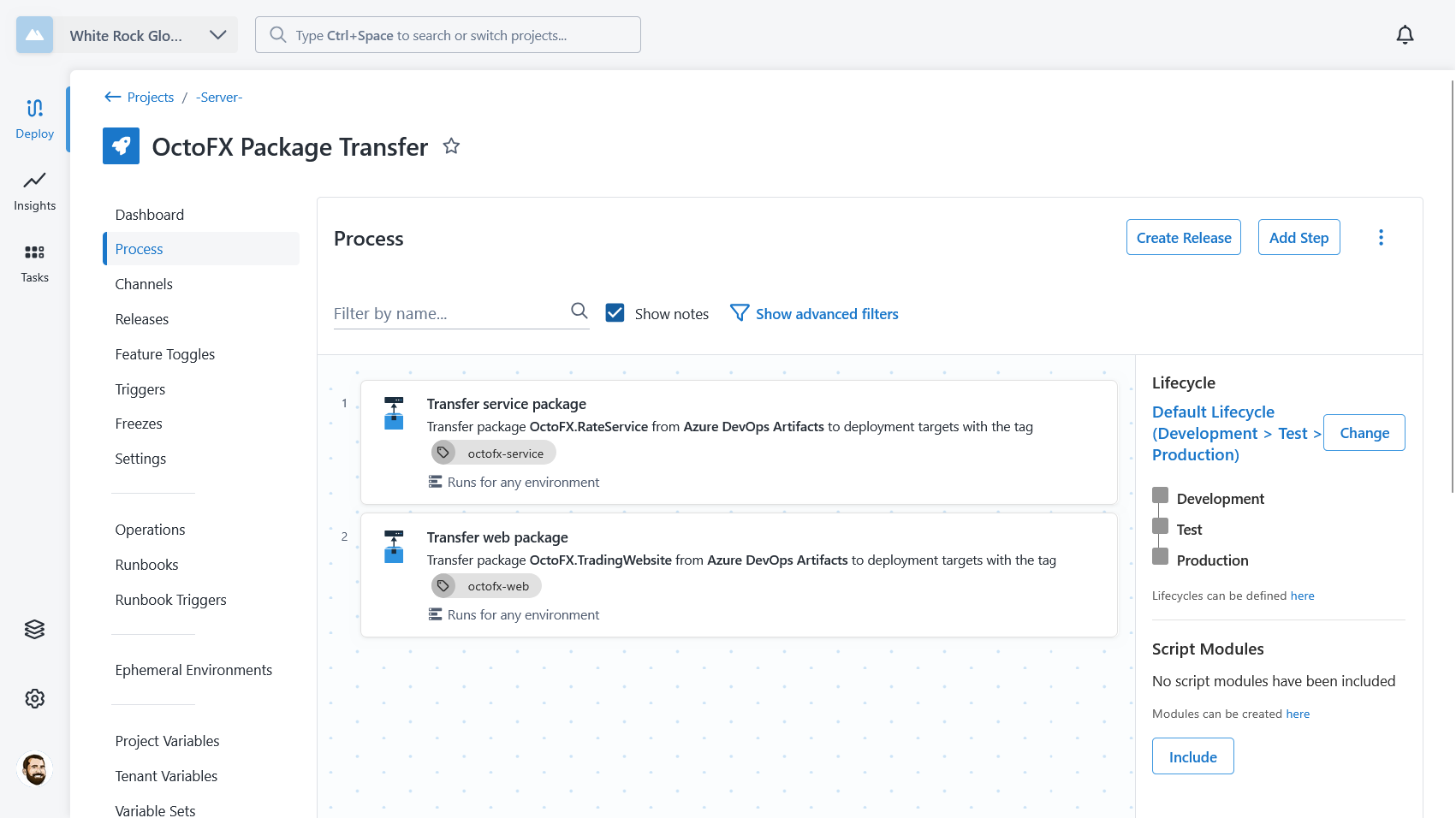
In this example, I’ve configured a separate project named OctoFX Package Transfer. This project is used only to transfer the packages used by the OctoFX project and does not configure the applications.
It follows the same lifecycle as the project that configures the app, but you could also limit it to just the environments that need the packages beforehand.
Package transfer process
The deployment process for the package transfer project contains the steps to transfer the same packages to the same targets as the main project.
You can add in any other checks or steps that you would also like to perform (compliance, verification, notifications, etc).
Acquisition logs
When you deploy a release of the transfer project, the Acquire packages section of the task log shows each package being uploaded to the targets.
When you then deploy the main project with the same package versions, that section shows each package being found in the targets’ package cache instead, so no packages are uploaded during the deployment.
Benefits of this approach
This approach to transferring packages ahead of deployments has the following benefits:
- Simplified deployment process management.
- No extra environment or target configuration required.
- Release creation for main application deployment project doesn’t require duplicate package selection.
Drawbacks of this approach
This approach to transferring packages ahead of deployments has the following drawbacks:
- Requires multiple projects with releases that have the same package versions.
- Difficult to enforce transfer happens before application deployment.
- Difficult to promote changes that have already been transferred.