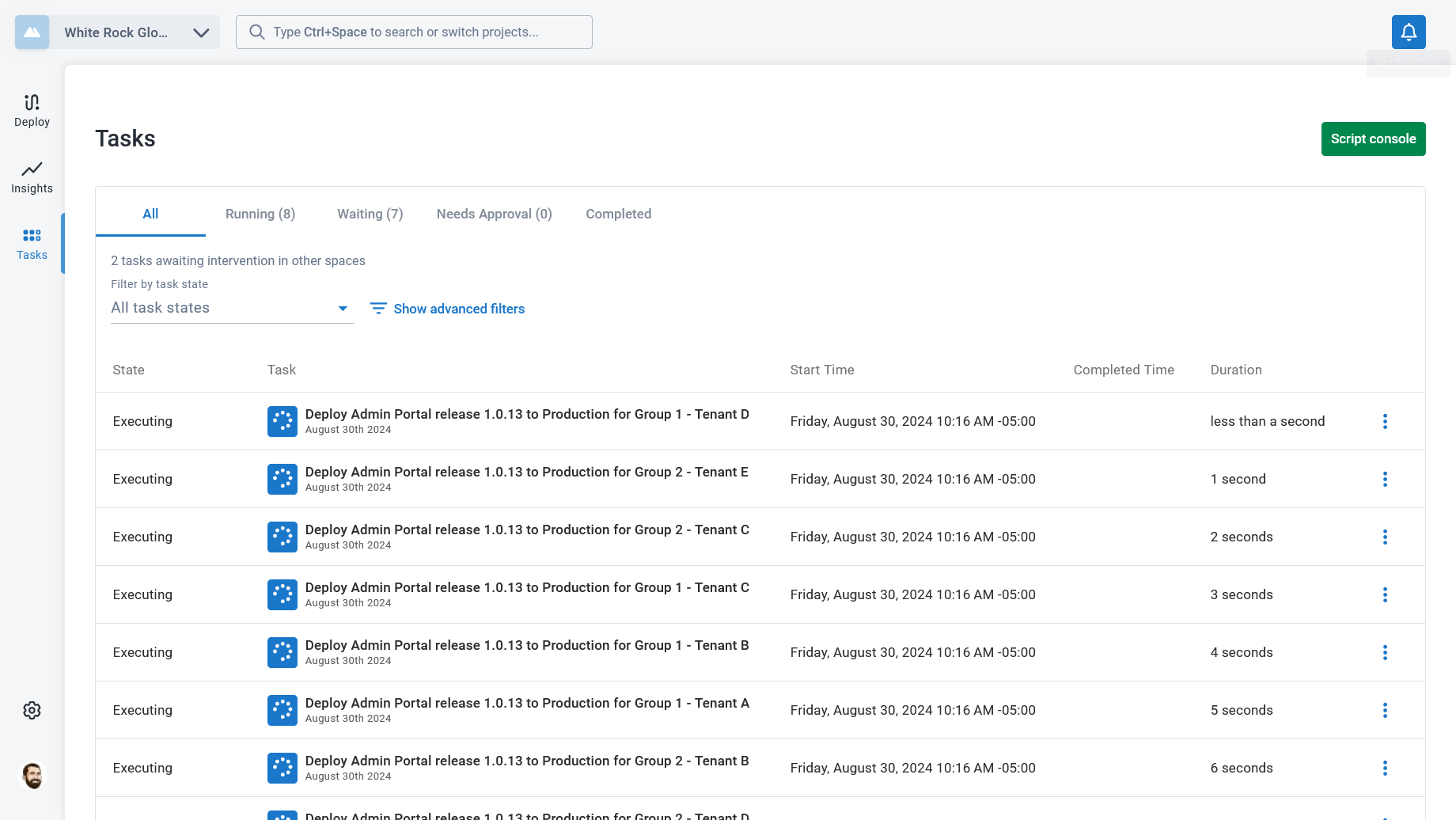
If we deploy a release to all tenants at the same time, we see that all tasks are running concurrently. This will depend on your task cap and number of other tasks running at the same time.
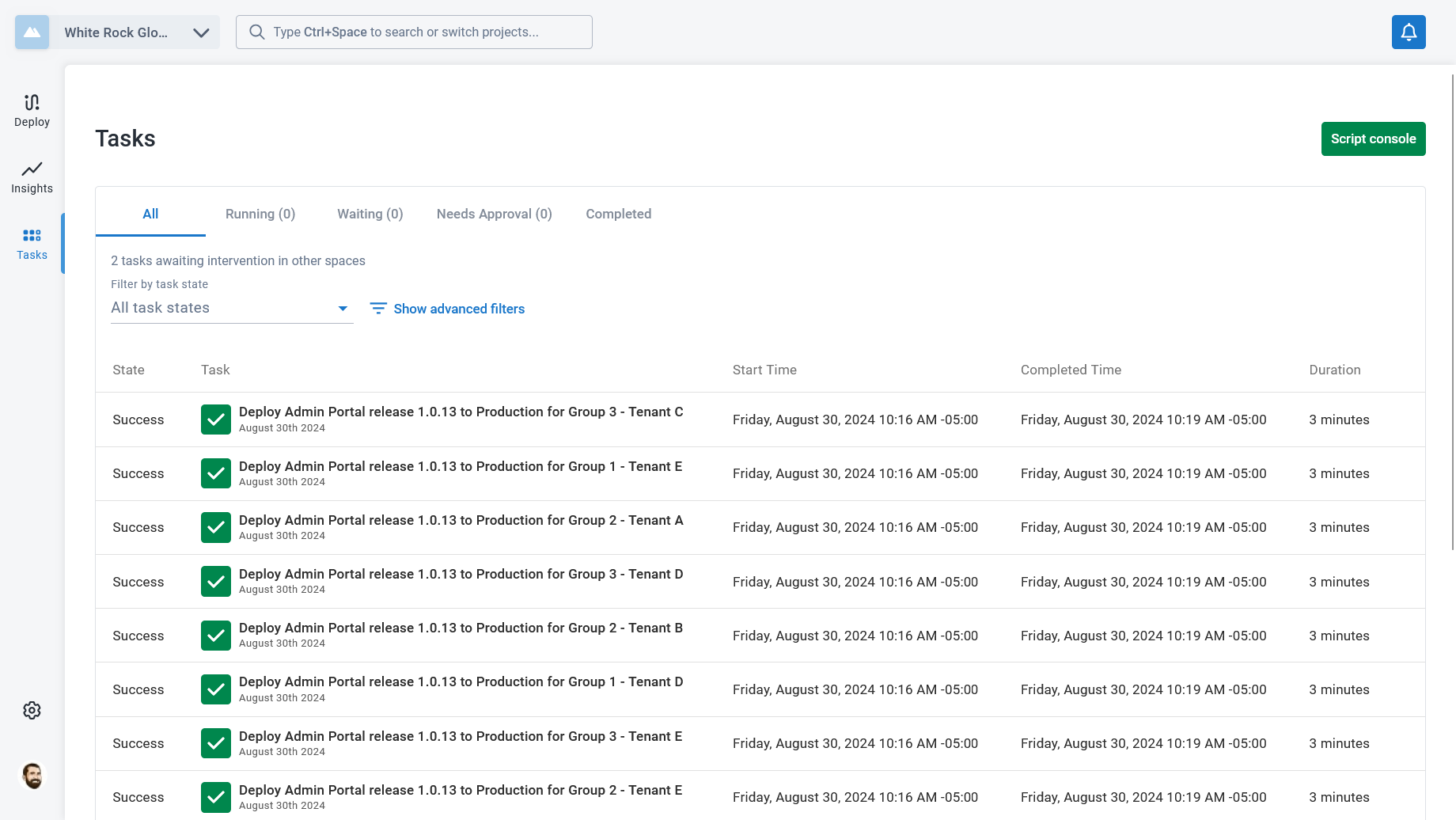
Once the deployments are complete, we can see that each of the deployments took 2-3 minutes. Since they were running concurrently, the total time for the deployment was a little over 3 minutes.
The task log for the deployment to Group 1 - Tenant E shows why. Each step had to wait for one or more other tasks to finish before it could start, because the other tenants in the group were deploying to the same targets.
The time required to complete a deployment in this scenario will grow based on the number of steps targeting the shared infrastructure and the number of tenants in that group being deployed at once. It can also cause tasks to queue for longer than expected since all tasks are running, they are consuming part of the task cap. If you have a task cap of 20, and three infrastructure groups that each host 50 tenants, the tasks for one group can cause the tasks for the other two groups to wait in the queue for quite a while.
To remedy this, we can set the Octopus system variable.